How to Turn Your Resume Into a Website (in About a Minute)
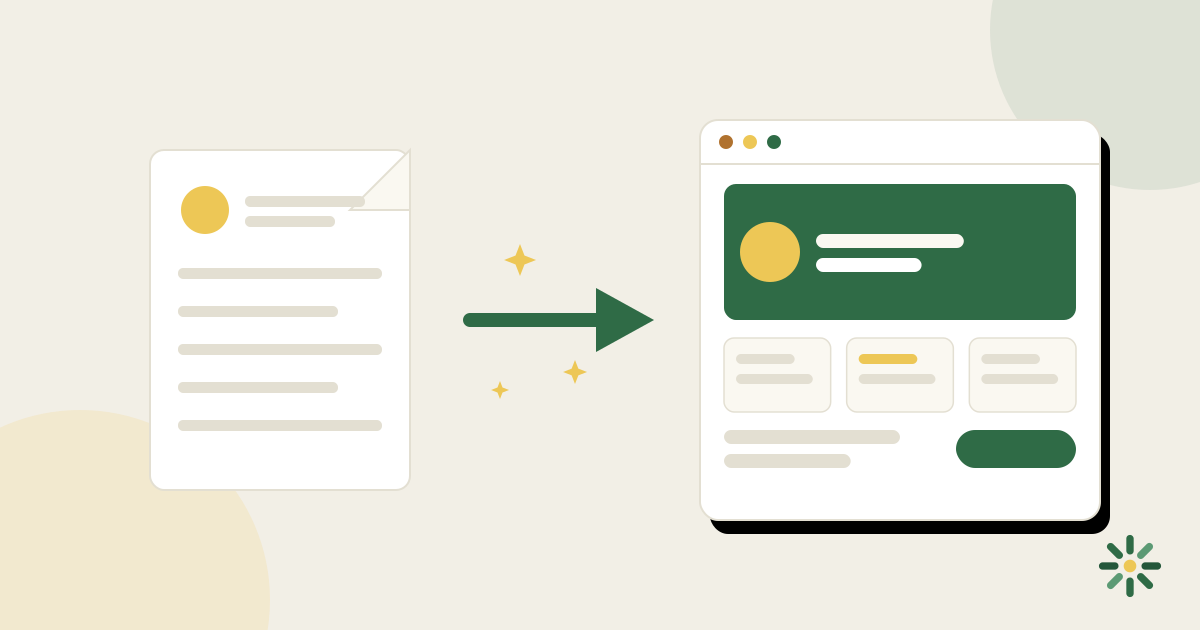
Your resume already contains ~90% of what a personal website needs: your experience, skills, education, and the outline of your story. Turning it into a website is a translation problem, not a writing problem — and translation is exactly the kind of problem that's now nearly instant to solve.
Here are both routes: the manual one, and the one-minute one.
Why bother, if the resume already exists?
Because the two documents do different jobs, and the website does things a PDF can't:
- A resume is for applying; a website is for being found and evaluated. Recruiters search your name; a site controls what they find. In a stack of similar candidates, it's the tie-breaker.
- A PDF can't hold depth. Projects with context, images, links to live work, your voice — the site carries what bullet points compress away.
- A link is shareable everywhere. Email signature, LinkedIn, a conference intro. "Here's my site" travels better than an attachment.
Route 1: The manual conversion
If you want to hand-build it (with a site builder or code), here's the mapping:
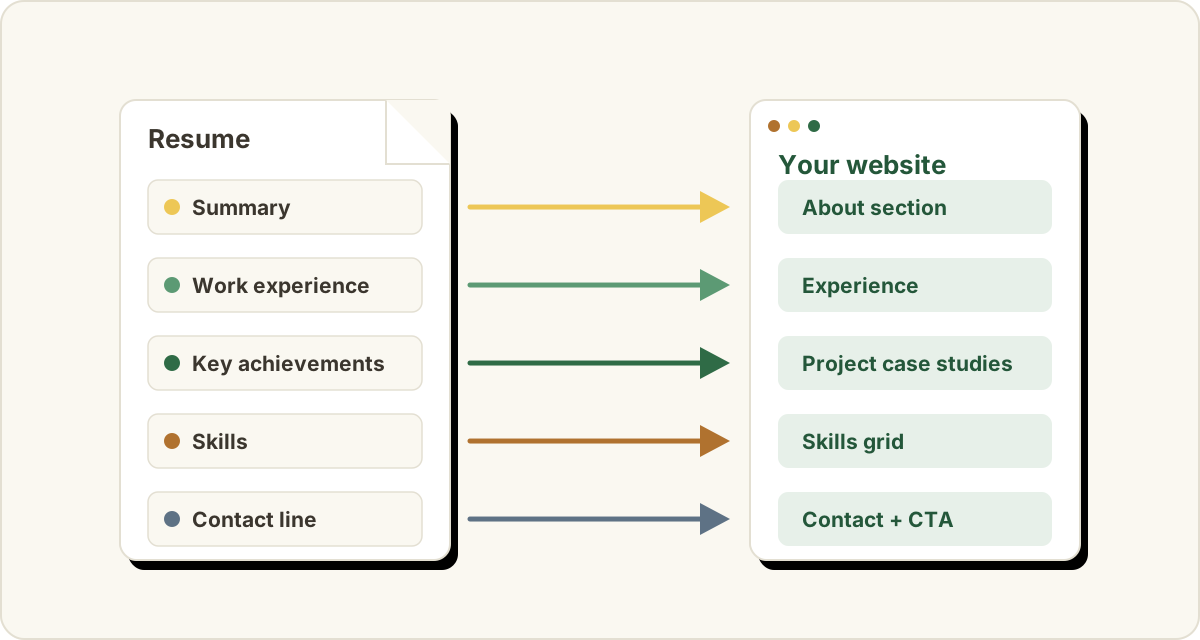
| Resume section | Becomes on the website |
|---|---|
| Name + title line | Hero: name, role, specialty — the first screen |
| Summary / objective | About section (rewritten in first person — see below) |
| Work experience | Experience section: scannable roles with 1–2 outcome lines each |
| Notable projects / achievements | The projects section — expanded, with context and links |
| Skills | A skills section with real tools, not adjectives |
| Education + certifications | A brief credentials block |
| Contact line | Contact section + one clear call to action |
Three translation rules that trip people up:
- Switch to first person. Resumes omit pronouns ("Led migration of…"); websites speak ("I led…"). Keeping resume-voice on a website reads robotic.
- Expand the best material, don't paste it. Your top two or three projects deserve paragraphs on the site — problem, what you did, result. The rest can stay as compressed as on the resume. Full breakdown: what to put on a personal website.
- Cut before you add. The website's job isn't to hold more than the resume — it's to make the good parts easier to see. (What to leave out.)
Budget a few hours for a first pass, plus whatever the tool you chose demands of you. Which is the catch: on most general-purpose builders you're also making design decisions the whole way — and if the template turns out wrong, changing it later can mean rebuilding.
Route 2: Upload the resume, let AI do the translation
This is exactly the job Unfold was built for. The flow:
- Upload your resume (PDF, or connect your LinkedIn).
- The AI reads it and drafts the entire site — hero, about section rewritten in first person, experience, projects, skills — with the translation rules above already applied. This takes about a minute.
- Review and edit. The draft is a starting point you correct, not a blank page you fill. Fix a line, punch up a project, delete what you don't want.
- Pick a template. All 18 render your real content, and switching is one click at any time — the content is stored separately from the design, so trying a different look never means re-entering anything.
- Publish. You get a live URL immediately; a custom domain (yourname.com) can be connected when you want one.
It's free to start. The paid plan adds things like custom domains when you're ready — the free site is a real, complete site, not a teaser.
Why AI-drafted beats blank-page
The hardest part of a personal site was never the tooling — it's that writing about yourself is uncomfortable. Editing a nearly-right draft sidesteps the discomfort: you're correcting facts, not staring at a cursor. People who'd postponed "make a website" for years ship one in an evening this way, because the evening starts at 80% done.
Before you publish: the 10-minute polish
Whichever route you took, do this pass:
- Headline check: first screen says name, role, specialty — no "welcome."
- Numbers in, buzzwords out: every claim has a specific behind it.
- Consistency check: titles and dates match your resume and LinkedIn exactly.
- One call to action: decide what a visitor should do (email you, usually) and make it obvious.
- Phone test: open it on your phone; that's where half your visitors are.
- Read it aloud once: the fastest typo-and-tone detector there is.
Common questions
My resume is out of date. Fix it first?
Fix the facts first (dates, titles, latest role) — that's ten minutes. Don't polish the prose; the translation to first-person website copy rewrites it anyway.
Can I keep the site and resume in sync afterward?
Treat one as the source of truth and update it first. With Unfold the site starts generated from the resume, so they begin identical; afterward, when something changes, update the site's fields — a site edit takes less time than re-typesetting a resume PDF.
What about a portfolio if I don't have "portfolio work"?
Outcome stories are portfolio work. "Problem → what I did → result" in three paragraphs is a project page, whether the output was code, a campaign, or a reorganized warehouse. Two or three of those carry the site.
Do I need to buy a domain first?
No — publish first on the free URL, share it, and connect a custom domain when the site's earned it. Content first, domain second.